Select Your Tablet
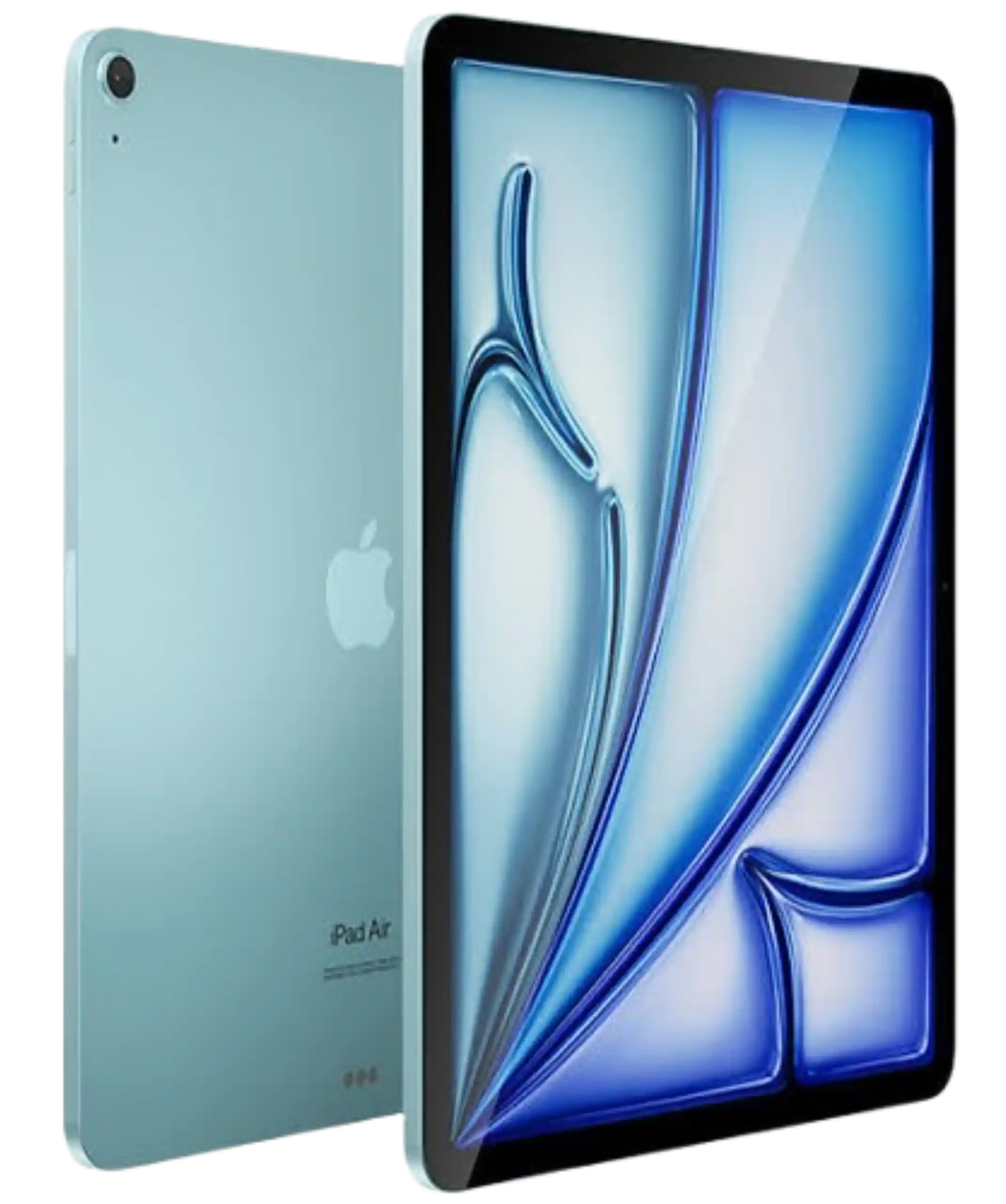
Having Trouble With Your Apple iPad?
iPhones are some of the most common repairs we see, from cracked screens after a drop to batteries that drain faster than they used to. Whether it’s an older iPhone or a recent model, our technicians can take a look and let you know what’s actually going on before any work begins.
- Screen Replacement
- Battery Replacement
- Diagnostic Service
- Speaker and Microphone Repair
- Charge Port Repair
- Water Damage Diagnostic
* Free repairs for faults covered by your Phone warranty – as a fully-approved cell phone repair provider, we can carry out warranty repairs and will not charge you for them.
Contact Us
| Call Us | +1 226 239-7234 |
|---|---|
| Visit Stores | Click Here |
| Chat With Us | Click Here |
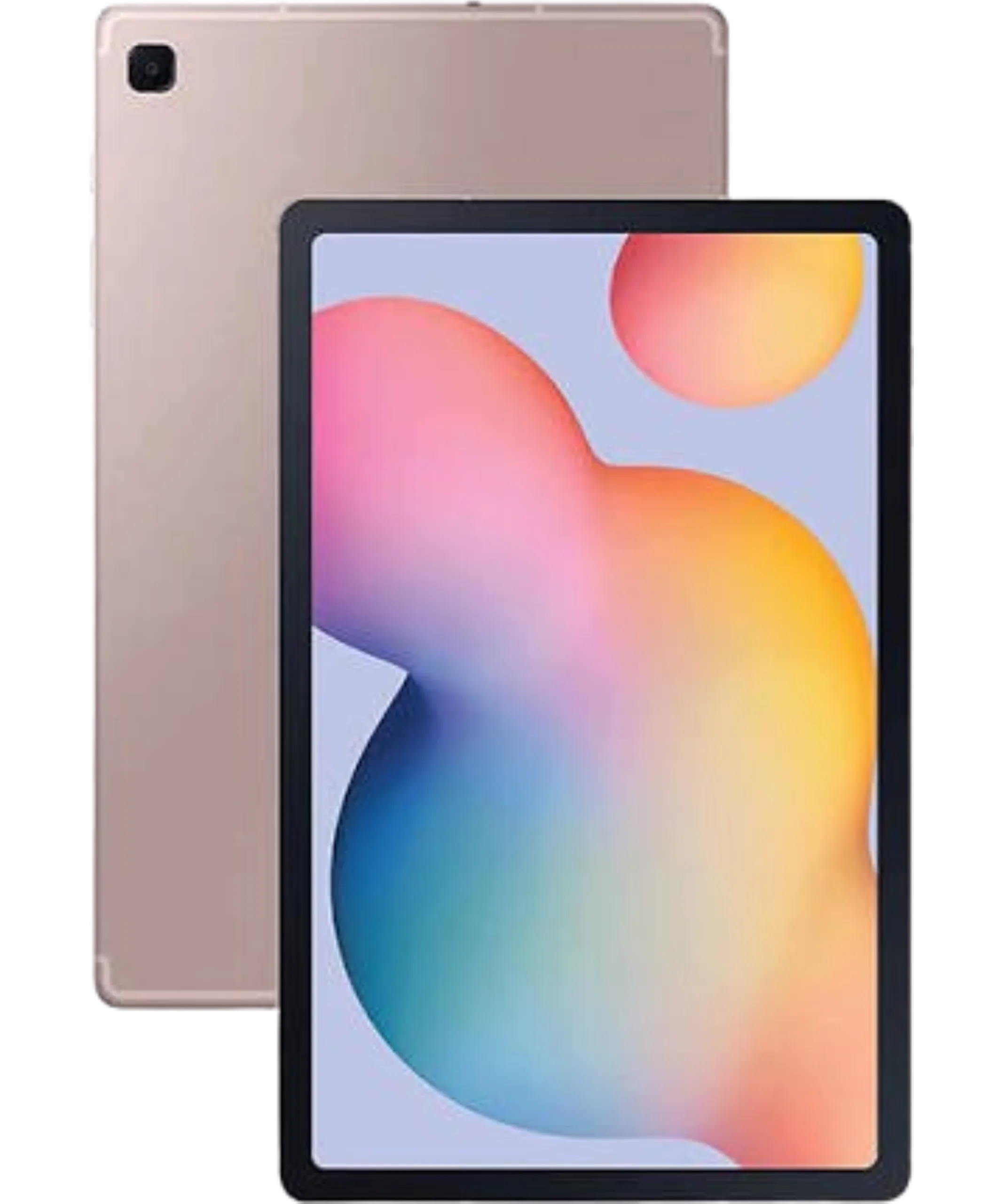
Samsung Galaxy Tab Acting Up?
Samsung phone repair, whether it’s a Galaxy S series, Note series, or A series device, has its own quirks depending on the model. We regularly handle screen damage, charging port issues, and battery problems on Samsung devices, and we’ll walk you through what we find during diagnosis before recommending a repair.
- Screen Replacement
- Battery Replacement
- Diagnostic Service
- Speaker and Microphone Repair
- Charge Port Repair
- Water Damage Diagnostic
* Free repairs for faults covered by your Phone warranty – as a fully-approved cell phone repair provider, we can carry out warranty repairs and will not charge you for them.
Contact Us
| Call Us | +1 226 239-7234 |
|---|---|
| Visit Stores | Click Here |
| Chat With Us | Click Here |

Amazon Fire Tablet
Pixel phones are becoming more common, and we’ve seen the usual lineup of issues: cracked screens, charging problems, and cameras that stop focusing properly. If your Pixel is acting up, our diagnostic process can usually tell you what’s wrong within the same visit.
- Screen Replacement
- Battery Replacement
- Diagnostic Service
- Speaker and Microphone Repair
- Charge Port Repair
- Water Damage Diagnostic
* Free repairs for faults covered by your Phone warranty – as a fully-approved cell phone repair provider, we can carry out warranty repairs and will not charge you for them.
Contact Us
| Call Us | +1 226 239-7234 |
|---|---|
| Visit Stores | Click Here |
| Chat With Us | Click Here |
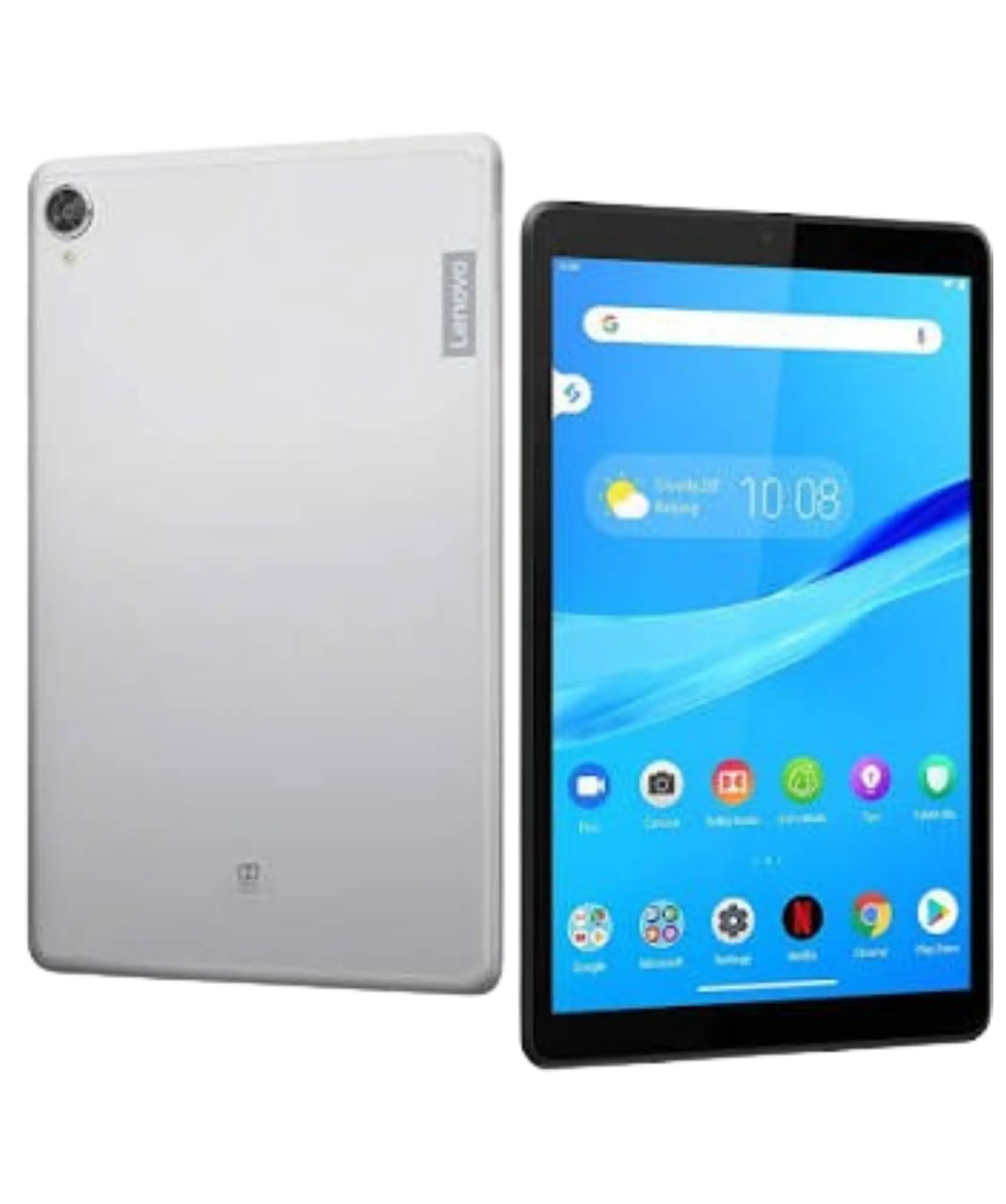
Other Devices
We work on a wide range of Android phones beyond the major brands, including devices from manufacturers like Motorola, LG, and others. If you’re not sure whether we can help with your specific model, give us a call or stop by, and we’ll let you know honestly whether it’s something we can repair.
- Screen Replacement
- Battery Replacement
- Diagnostic Service
- Speaker and Microphone Repair
- Charge Port Repair
- Water Damage Diagnostic
* Free repairs for faults covered by your Phone warranty – as a fully-approved cell phone repair provider, we can carry out warranty repairs and will not charge you for them.
Contact Us
| Call Us | +1 226 239-7234 |
|---|---|
| Visit Stores | Click Here |
| Chat With Us | Click Here |
Common Tablet Problems
Cracked or Damaged Screen
- A cracked tablet screen is not always just a cosmetic problem. Sometimes the tablet still works fine, but in other cases, the display or touch function can start causing trouble. If the damage is getting worse or the screen is difficult to use, bring it in and we’ll take a look.
Touchscreen Not Responding
- Having to tap the same spot more than once? Or maybe part of the screen has stopped responding completely? That can make even simple things frustrating. We’ll check the tablet to find out whether the issue is with the screen itself or something else.
Battery Problems
- Does your tablet lose charge much faster than it used to? Maybe it shuts down unexpectedly or only works properly when plugged in. Battery issues can show up in different ways, so we’ll inspect the device before recommending a repair.
Charging Problems
- If your tablet is taking forever to charge, only charges at a certain angle, or has stopped charging altogether, the charging port may be the issue. We’ll check what is causing the problem and let you know what can be done.
Tablet Won’t Turn On
- A tablet that won’t turn on doesn’t always mean it is completely dead. The problem could be related to the battery, charging system, software, or internal components. We’ll inspect the device and find out what is preventing it from starting.
Water or Liquid Damage
- Spilled something on your tablet or dropped it in water? Even if it seems to be working at first, liquid can cause problems later. Bring it in as soon as possible so we can check for internal damage.Tablet Screen Repair
- Screen damage is one of the most frequent reasons tablets come through our door, whether that’s cracked glass, a display with lines or discoloration, or a touchscreen with unresponsive areas. Accidental drops are the most common cause, but pressure damage or a previous repair that wasn’t done properly can also be responsible. Continuing to use a tablet with a badly cracked screen isn’t ideal. Beyond the risk of cutting yourself on the glass, existing cracks tend to spread further with continued use, and exposed internal layers are more vulnerable to dust and moisture. If the screen is cracked but the tablet still functions, it’s usually still worth having it assessed.
Tablet Battery Problems
- Battery symptoms tend to show up gradually rather than all at once. You might notice the tablet draining faster than it used to, shutting down unexpectedly even with charge remaining, taking longer to charge fully, or feeling unusually warm during normal use. These symptoms can come from the battery itself reaching the end of its usable life, but they can also be tied to background app activity, a software issue, or a charging component. A diagnostic check is the most reliable way to narrow down which of these is actually happening with your device.
Tablet Charging Problems
- Charging issues can show up in different ways: the tablet doesn’t charge at all, it only charges when the cable sits at a specific angle, charging stops and starts on its own, or it simply takes far longer than it should. It’s tempting to assume the charging port is always to blame, but the cable, the wall adapter, the battery, or internal charging circuitry could just as easily be the cause. Trying a different, known good cable and adapter first is a reasonable step before assuming the port itself needs repair.Tablet Repair or Replacement?
- A damaged or malfunctioning tablet doesn’t automatically mean it’s time to buy a new one. Whether repair makes sense depends on a combination of things: how old the tablet is, its overall condition, what’s actually causing the problem, how much the repair costs relative to buying a replacement, how the tablet performs otherwise, and how you actually use it day to day. A tablet that’s a couple of years old with a cracked screen or a worn battery is often a straightforward and worthwhile repair. A much older device with multiple problems stacking up at once might be a different conversation. There’s no single rule that fits every situation, which is why starting with a diagnosis puts you in a better position to decide either way.Tablets We Work With
- We work with a range of popular tablets, including devices from Apple, Samsung, Microsoft, Lenovo, and other Android manufacturers. Contact us with your tablet’s brand and model along with the problem you’re experiencing, and we can confirm the repair options available for your specific device.Why Choose Microfix Phone Repair Centre
With more than 25 years of experience in device repair, we’ve worked through a wide range of tablet problems across different brands and generations. Our approach starts with figuring out what’s actually wrong before recommending anything, and we explain what we find in plain language so you can make an informed decision. We’re based right here in London, Ontario, and we treat every device that comes through our doors, tablets included, with the same care we’d want for our own.
Our Repair Process
● You tell us what’s going on with your tablet.
● We inspect the device.
● We diagnose the actual cause of the problem.
● We explain your repair options clearly.
● You decide how you’d like to proceed.
● We complete the repair once approved.
● We check the tablet afterward to confirm the issue has been addressed.
Microfix Phone Repair Centre serves customers throughout London and the surrounding area from our Springbank Drive location. We help with a range of tablet problems, including damaged screens, battery issues, charging problems, and other device faults. If you have been searching for tablet repair near me, you can call us, email us, or visit our shop with your device.
Frequently Asked Questions
Q1. Can a cracked tablet screen be repaired?
In many cases, yes. Screen repair is one of the most common tablet services we provide. The exact repair depends on the tablet model and the extent of the damage, which we can confirm once we’ve had a chance to look at it.
Q2. Why is my tablet not charging?
This can be caused by a damaged cable or adapter, a charging port that needs attention, an aging battery, or an internal charging issue. Testing with a different, known good cable is a good first step before assuming the worst.
Q3. Can a tablet battery be replaced?
Yes, battery replacement is one of our regular tablet services. If your tablet is draining quickly, shutting down unexpectedly, or barely lasting through the day, a battery assessment can confirm whether replacement is the right fix.
Q4. Is it worth repairing an older tablet?
It depends on the tablet’s overall condition and what’s actually wrong with it. A battery or screen repair on an otherwise well functioning older tablet is often worthwhile. If several components are failing at once, replacement might make more sense.
Q5. Why is my tablet battery draining so quickly?
Fast battery drain can come from heavy app use, background activity, an aging battery, or a hardware issue with the battery itself. A diagnostic check can help pinpoint which of these is actually happening with your device.
Q6. Can a tablet with liquid damage be repaired?
It depends on how much internal damage has occurred and how quickly it was brought in. A diagnostic assessment can determine what’s actually been affected, since some liquid damage symptoms don’t appear until later.
Q7. How do I know if my tablet needs a diagnostic check?
If your tablet is showing a problem that isn’t obviously caused by one specific thing, such as random shutdowns, inconsistent charging, or slow performance, a diagnostic check is the most reliable way to identify the actual cause before deciding on a repair.
Q8. Should I repair my tablet or replace it?
This comes down to the tablet’s age, condition, the cost of repair, and how well it still fits your needs. Getting the problem properly diagnosed first gives you the information to make that decision with confidence rather than guessing.