
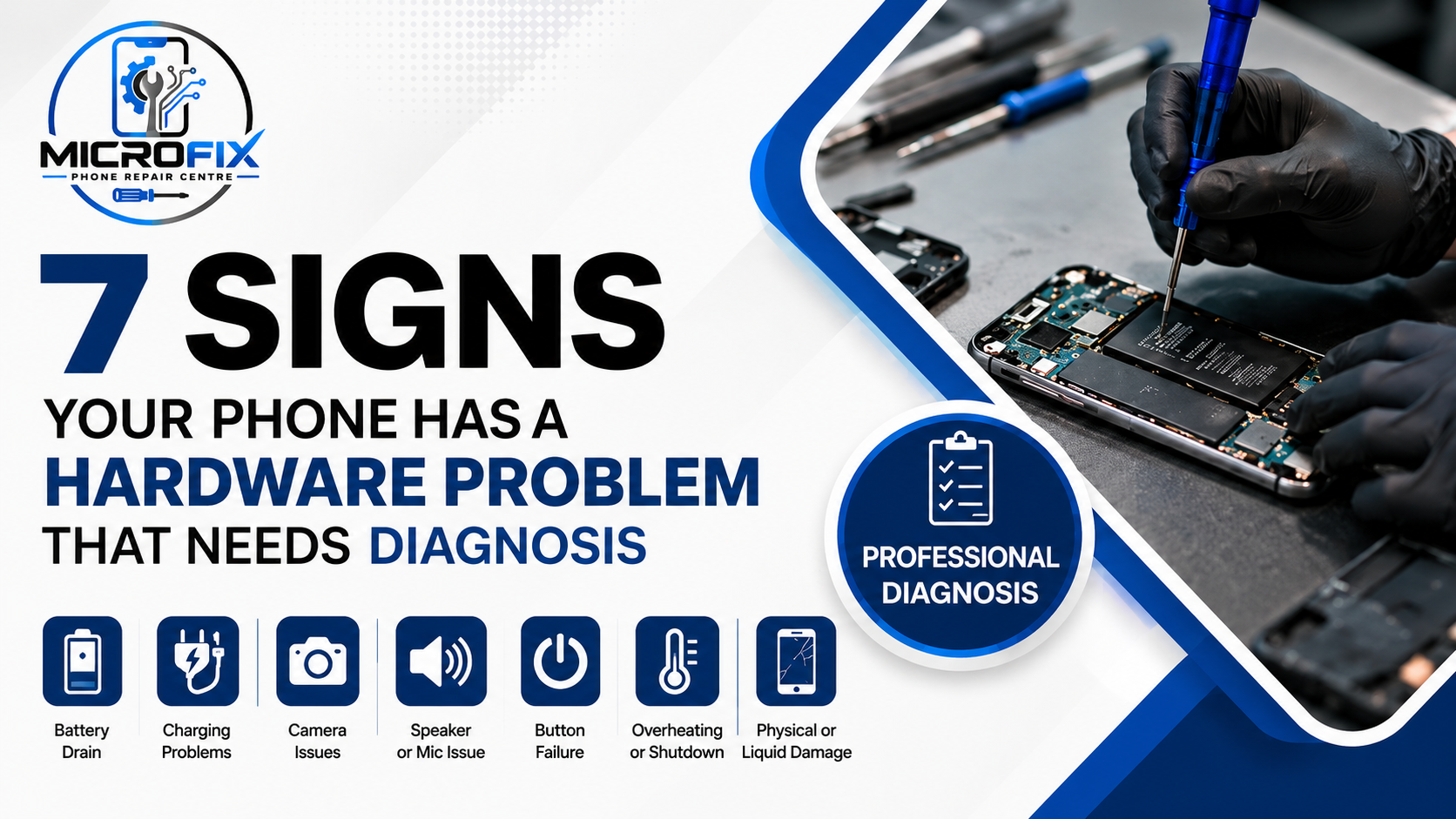
A phone does not always stop working completely when it develops a hardware problem. Often, the first signs are smaller things such as unreliable charging, unexpected shutdowns, a camera that suddenly stops focusing, or buttons that no longer respond properly.
The difficult part is that some of these symptoms can also be caused by software. If the problem keeps coming back after a restart or basic troubleshooting, it may be time to have the phone checked properly. For anyone looking for Cell Phone Repair In London, Ontario, understanding these warning signs can help you decide when professional diagnosis makes sense.
What Counts as a Phone Hardware Problem?
Hardware means the physical parts inside your phone.
This includes the battery, charging port, cameras, speakers, microphones, buttons, display, connectors and other internal components.
A hardware problem can develop because of normal wear, an accidental drop, liquid exposure, charging problems or damage to an internal component.
Software problems are different. They can sometimes be resolved with a restart, update, app change or settings adjustment.
The problem is that the symptoms can overlap.
A phone that keeps restarting, for example, could have a software problem or a battery related issue. That is why replacing a part based only on a symptom is not always the best approach. Check below the 7 Signs Your Phone May Have a Hardware Problem:
1. Your Phone Keeps Restarting or Shutting Down
An occasional restart is not necessarily a serious problem. But repeated unexpected shutdowns deserve attention, especially if they happen during normal use.
You may notice that your phone:
- Turns off even when the battery still shows charge
- Restarts while using certain apps
- Shuts down when the battery percentage drops
- Becomes difficult to keep powered on
Possible causes include an aging battery, overheating, software problems or an issue with another internal component.
Start by installing available software updates and checking whether a particular app seems connected to the problem.
If the shutdowns continue, a diagnosis can help determine whether the problem is related to the battery or another part of the phone.
2. Your Phone Is Not Charging Properly
Charging problems are among the most common reasons people seek phone repair.
You might find that:
- The phone charges very slowly
- Charging starts and stops
- The cable only works at a certain angle
- The phone does not recognize the charger
- The charging connection feels loose
Before assuming the charging port is damaged, try another good quality cable and charging adapter.
Also check whether there is visible lint or debris around the charging port. Do not insert sharp objects into the port because you can damage the contacts.
If the problem happens with different chargers, the charging port, battery or internal charging components may need to be inspected.
You can learn more about available smartphone repair services through Microfix Smartphone Repair.
3. Your Battery Drains Much Faster Than Before
A phone battery naturally loses capacity as it gets older. However, a sudden or significant change in battery life can be worth investigating.
Pay attention if your phone:
- Loses a large percentage during light use
- Needs charging several times a day
- Drops from one percentage level to another unusually quickly
- Shuts down unexpectedly
- Gets warmer than usual
Before replacing the battery, check your battery usage settings. An app running continuously in the background can sometimes be responsible.
If no app or setting explains the drain, the battery itself may need assessment.
This is particularly important when fast battery drain happens together with unusual heat or unexpected shutdowns.
4. The Physical Buttons Stop Working Properly
Power, volume and other physical buttons can wear out over time.
A problem may start gradually. A button might work only when pressed harder, feel different from before, or respond inconsistently.
Common reasons include:
- Normal wear
- Dirt or debris
- Damage from a drop
- Moisture exposure
- A damaged internal connection
Do not keep pressing a malfunctioning button harder and harder. If it continues to behave differently after basic cleaning around the outside, professional inspection may be appropriate.
5. Your Camera Becomes Blurry or Stops Focusing
Camera problems are not always caused by a damaged camera.
Before assuming the camera needs repair, try:
- Cleaning the camera lens
- Removing anything covering the lens
- Restarting the phone
- Checking whether the problem occurs in another camera app
If the camera remains blurry, refuses to focus or shows a black preview, there may be a problem with the camera module or another component.
This is especially worth checking if the problem started after the phone was dropped.
Microfix lists camera repair among its smartphone repair services.
6. The Microphone or Speaker Is Not Working Properly
Audio problems can be surprisingly difficult to identify because several different things can cause similar symptoms.
You may notice:
- People cannot hear you during calls
- Voice recordings sound muffled
- The speaker sounds distorted
- Audio cuts in and out
- The microphone works in one app but not another
First, check the volume, disconnect Bluetooth devices and make sure the microphone or speaker openings are not blocked.
If the problem continues across different apps and calls, the microphone or speaker may need to be tested.
The current Microfix smartphone repair page also lists speaker and microphone related repair options.
7. Your Phone Has Been Dropped or Exposed to Liquid
A phone can continue working after an accident even when something inside has been damaged.
A drop can affect internal connections, the charging system, camera, buttons or other components.
Liquid exposure can be even more difficult because problems may not appear immediately.
If your phone has been exposed to water or another liquid, avoid repeatedly charging or testing it. If you notice unusual heat, swelling, a burning smell or other serious symptoms, stop using the device and have it assessed.
Physical damage does not always mean the phone needs to be replaced. The important first step is understanding what has actually been affected.
Hardware Problem or Software Problem?
This is where things can become confusing.
| Phone Symptom | Could Be Software | Could Be Hardware |
| Random restart | Yes | Yes |
| Fast battery drain | Yes | Yes |
| Charging problem | Sometimes | Yes |
| Camera problem | Sometimes | Yes |
| Speaker problem | Sometimes | Yes |
| Button failure | Less likely | Yes |
| Overheating | Yes | Yes |
The symptom alone is not always enough to identify the cause.
For example, if your battery drains quickly, replacing the battery immediately may not solve the problem if an app or another component is responsible.
That is why diagnosis is useful when the cause is unclear.
What Should I Try Before Getting My Phone Checked?
Before visiting a repair shop, there are a few simple things you can safely try.
Restart the phone
A restart can clear temporary software problems and background processes.
Check for software updates
Install available updates and see whether the issue improves.
Try another charger
If the problem involves charging, use a known working cable and adapter.
Check battery usage
Look for an app that is using an unusually large amount of battery.
Remove unnecessary accessories
A damaged cable, case or accessory can sometimes contribute to charging or connection problems.
Back up important information
If the phone is becoming unreliable, back up your photos, contacts and other important data before the problem becomes worse.
If none of these steps makes a difference, continuing to guess at the cause may not be worthwhile.
Final Thoughts
A phone hardware problem does not always announce itself with a completely dead device. Small changes such as unreliable charging, fast battery drain, repeated restarts, camera problems or buttons that stop responding can be early warning signs.
Try the basic troubleshooting steps first. If the problem continues, a proper diagnosis can help determine whether the issue is the battery, charging port, camera, audio components, buttons or another part of the phone.
If you are looking for Cell Phone Repair In London, Ontario, Microfix Phone Repair Centre can assess the problem and help you understand the repair options before you make a decision.
Frequently Asked Questions
- Can a phone develop a hardware problem without being dropped?
Yes. Physical components can wear out through normal use. Batteries lose capacity over time, charging ports can become worn, and buttons can eventually stop responding properly. A hardware issue does not always require an accident or visible damage.
- Why does my phone work sometimes and stop working at other times?
Intermittent problems can have several causes. A loose internal connection, worn component, charging issue or software problem may cause a fault that appears and disappears. If the same issue keeps returning, note when it happens and have the phone assessed.
- Can a software update fix a hardware problem?
A software update can fix some problems that look like hardware faults, but it cannot repair a physically damaged component. If an update and restart do not resolve the issue, further testing may be needed.
- Should I keep using a phone that has a swollen battery?
No. A visibly swollen battery should be treated as a serious warning sign. Avoid charging or continuing to use the device and arrange for professional assessment as soon as possible.
- Is it better to diagnose a phone before replacing a part?
Usually, yes when the cause is unclear. Several different faults can produce similar symptoms. Finding the actual cause first can help you avoid paying for a replacement part that does not solve the original problem.